 3.4
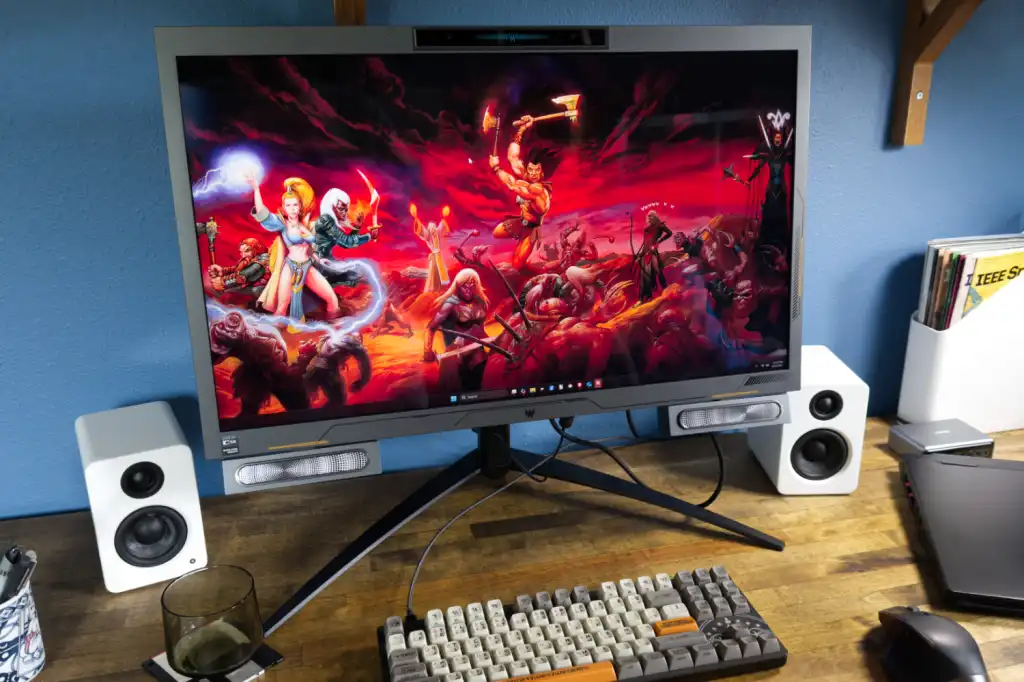
3.4Acer Predator SpatialLabs View 27 PSV27-2
A cutting-edge 27-inch 4K gaming monitor featuring glasses-free 3D technology, eye-tracking, and a 160Hz refresh rate…
Acer$1.799,99
A gaming monitor should match your graphics hardware, room and preferred games. Compare motion clarity, resolution, HDR performance, panel behaviour and value with evidence gathered from approved professional sources.
Pick what matters to you and we will turn the full gear database into a focused shortlist.
42 matching products.
3.4A cutting-edge 27-inch 4K gaming monitor featuring glasses-free 3D technology, eye-tracking, and a 160Hz refresh rate…
 4.0
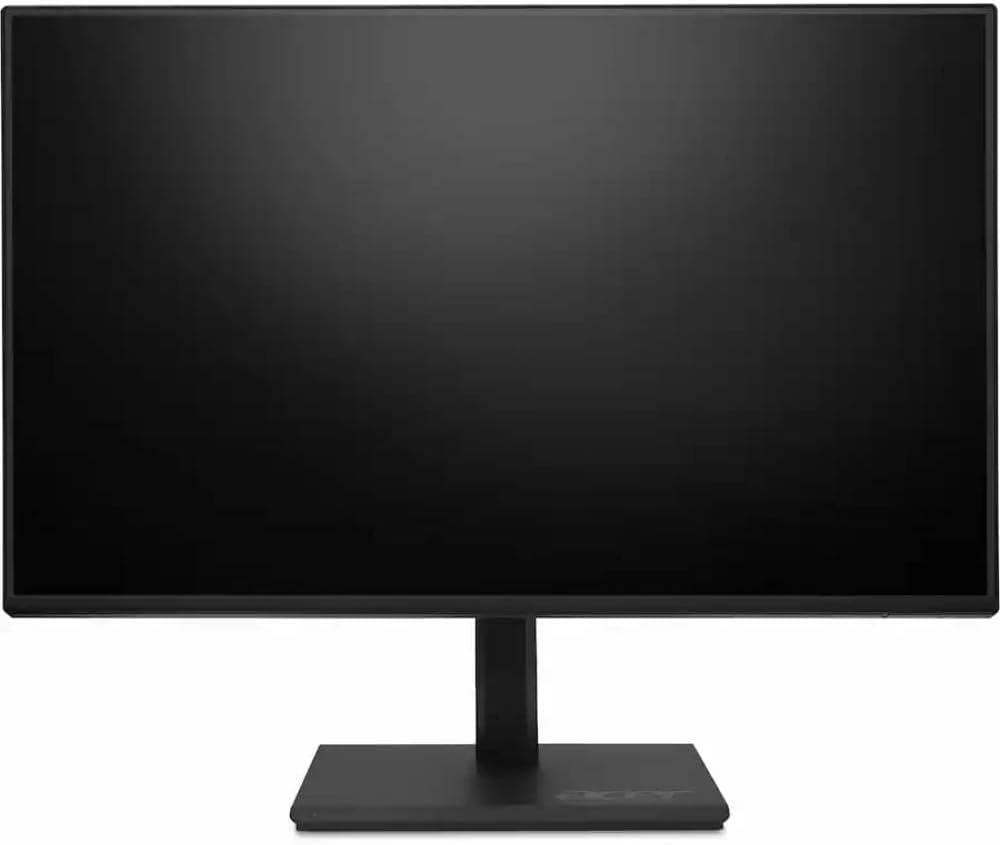
4.0An eco-friendly, budget-conscious 24-inch Full HD IPS monitor featuring a 120Hz refresh rate and a fully…
 4.4
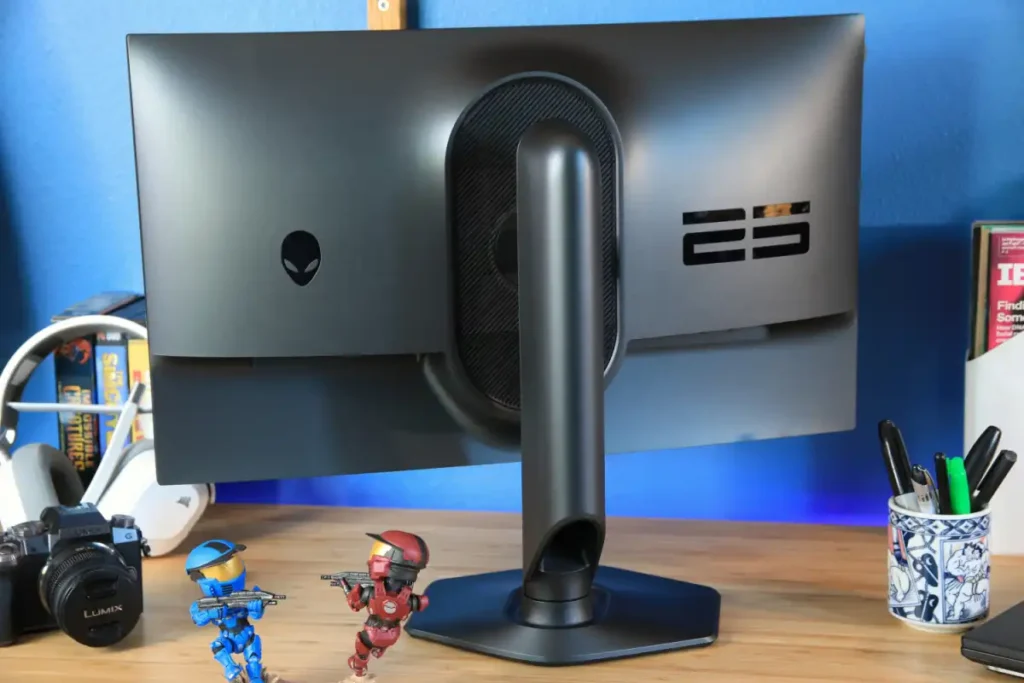
4.4A cutting-edge 24.5-inch esports monitor featuring a 500Hz refresh rate and AMD FreeSync Premium support for…
 4.4
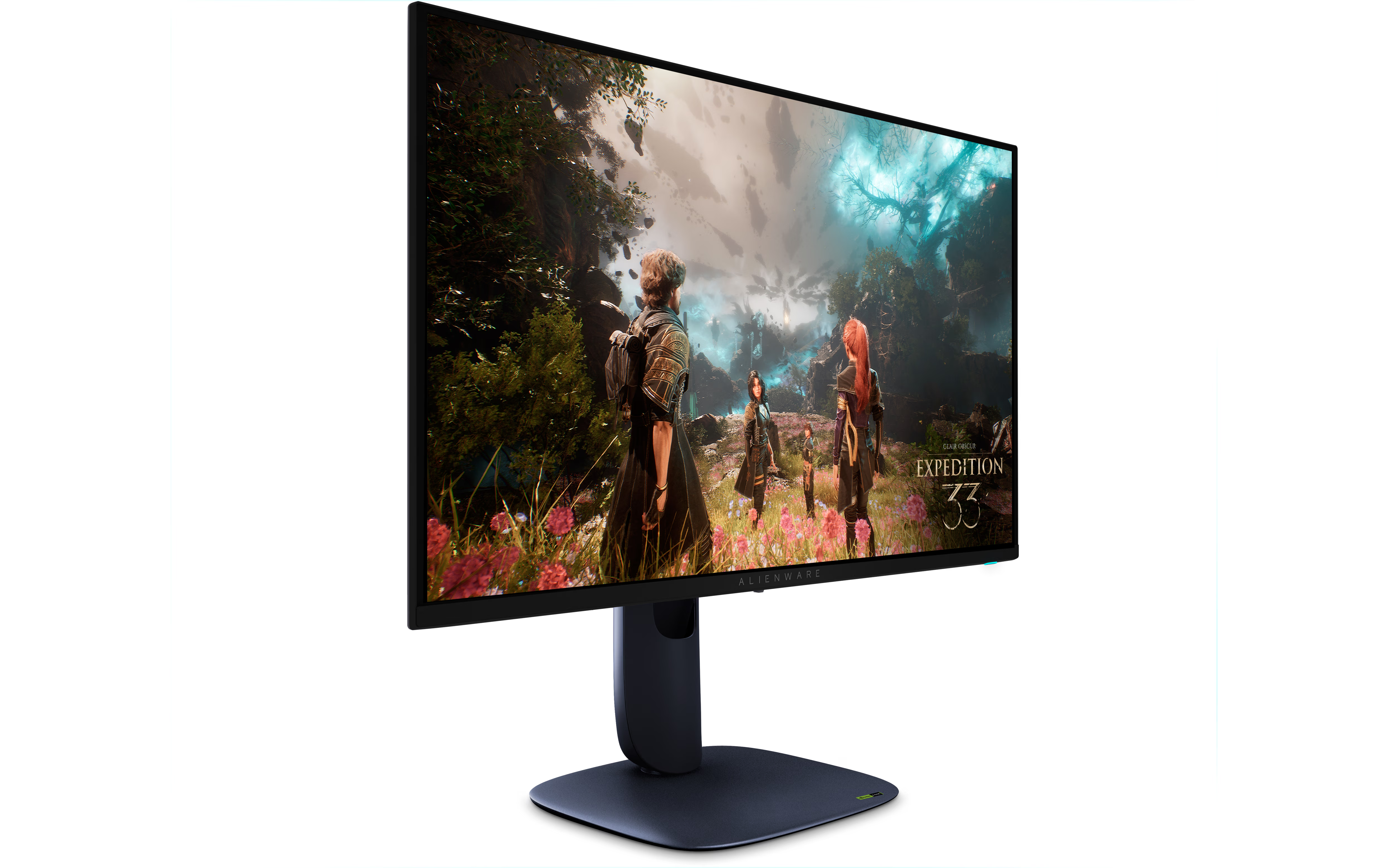
4.4A high-performance 27-inch 4K QD-OLED gaming monitor featuring a 240Hz refresh rate, 0.03ms response time, and…
 4.5
4.5 4.6
4.6A pioneering 34-inch QD-OLED ultrawide gaming monitor featuring a 175Hz refresh rate, G-SYNC Ultimate certification, and…
 4.7
4.7A top-tier 34-inch QD-OLED ultrawide gaming monitor featuring 165Hz refresh rate and exceptional color accuracy, designed…
 4.3
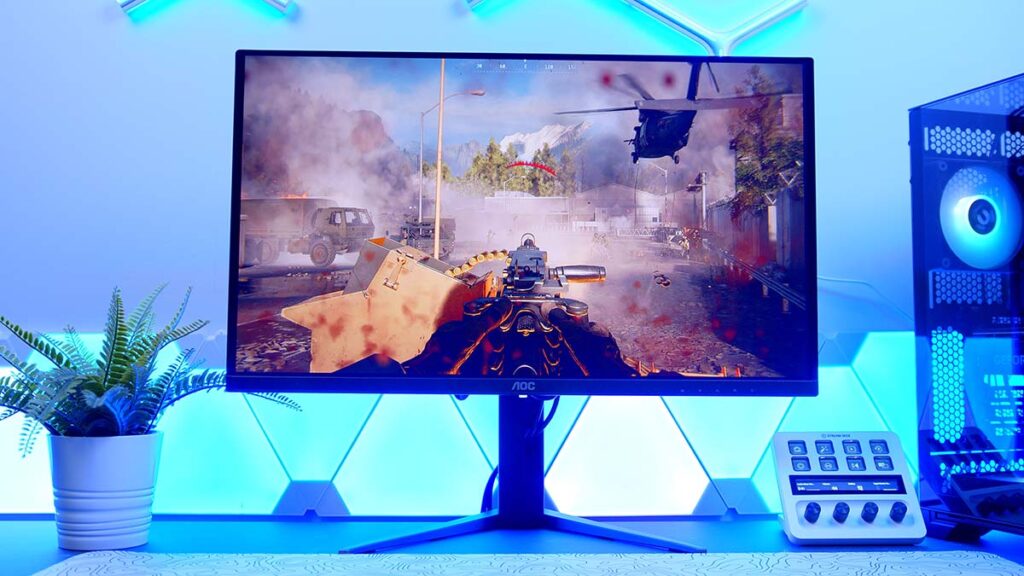
4.3A 27-inch 1440p 180Hz gaming monitor featuring a VA panel with 1,152-zone mini-LED local dimming, delivering…
 4.6
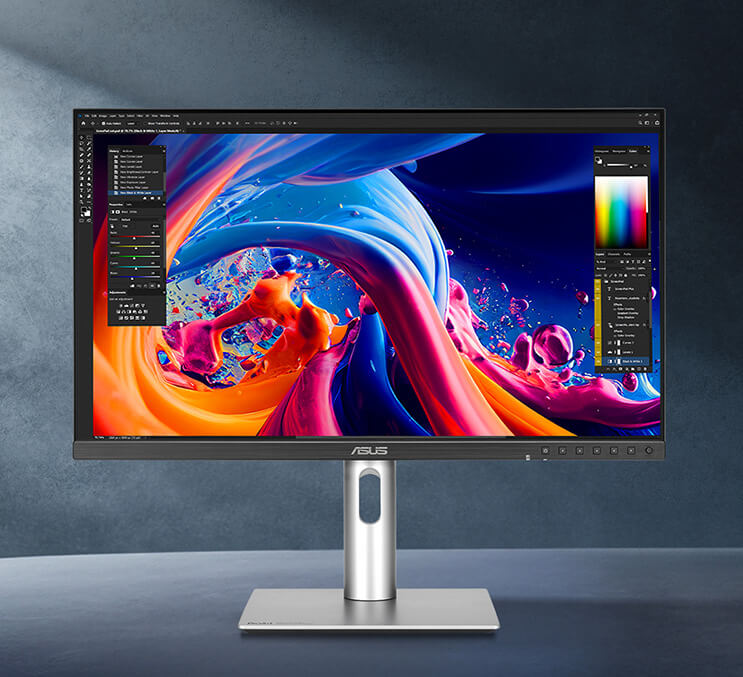
4.6A cutting-edge 27-inch QD-OLED gaming monitor featuring 1440p resolution and a 240Hz refresh rate, delivering industry-leading…
 4.4
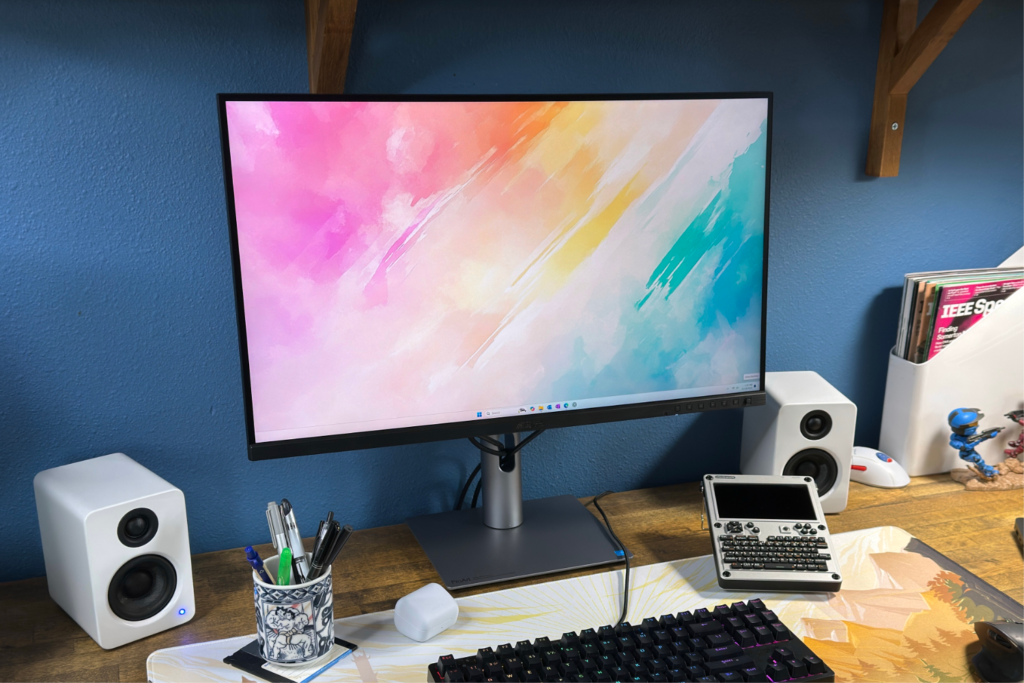
4.4A high-precision 27-inch 5K monitor featuring 218 PPI, 99% DCI-P3 color gamut, and professional-grade factory calibration…
 4.2
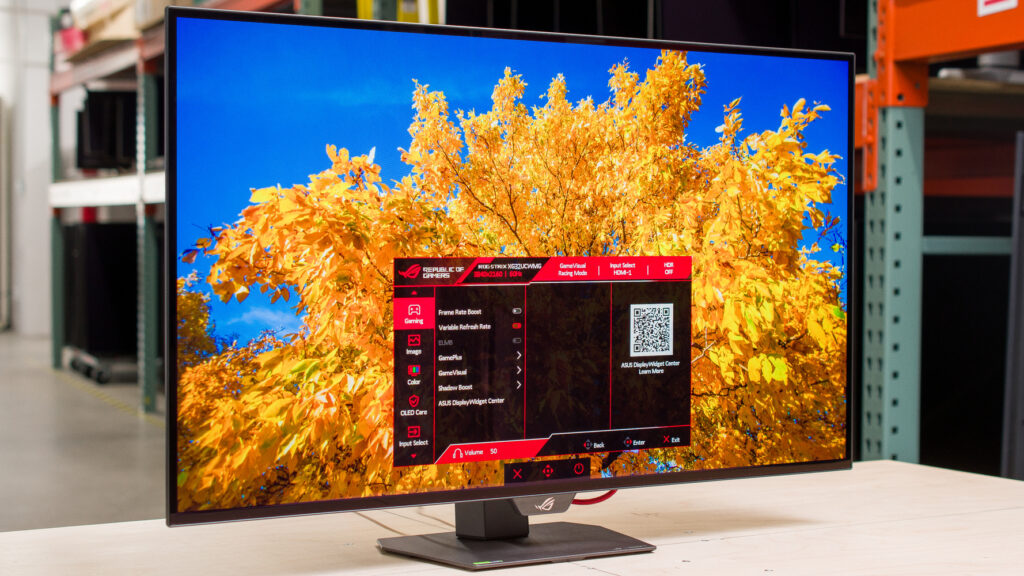
4.2A high-performance 27-inch 5K professional monitor featuring wide color gamut coverage, factory-calibrated color accuracy, and modern…
 4.3
4.3A gaming monitor should match your graphics hardware, room and preferred games. Compare motion clarity, resolution, HDR performance, panel behaviour and value with evidence gathered from approved professional sources.
1080p, 1440p and 4K place very different demands on a GPU. Pixel density and viewing distance matter as much as the headline resolution.
High refresh rates help motion clarity, but real response behaviour and overshoot determine how clean movement actually looks.
OLED offers excellent contrast and speed, while strong LCD options can be brighter and easier to use in bright rooms.
For competitive games, prioritise stable high refresh rates, low input lag and clean response tuning. For cinematic games, contrast, resolution and HDR impact may be more important than the highest possible refresh number.
Check connectivity before buying, especially for consoles, laptops and high-bandwidth 4K modes. Our value score considers performance relative to price, but premium OLED and Mini-LED displays can remain expensive even when their image quality is excellent.
1440p is easier to drive at high frame rates, while 4K provides more detail. The best choice depends on screen size, GPU power and the games you play.
Competitive players can benefit from 240 Hz or more, but 144 to 180 Hz is already smooth for most users and usually offers stronger value.
OLED delivers excellent contrast and response times. Buyers should also consider brightness, text rendering and long-term image-retention protections.
Panel variants, region, sales and renewed listings can create large differences. Always verify the exact model and current retailer offer.